3 weeks
Shi+ne Demo
Link to GitHub repository : Click here
Context
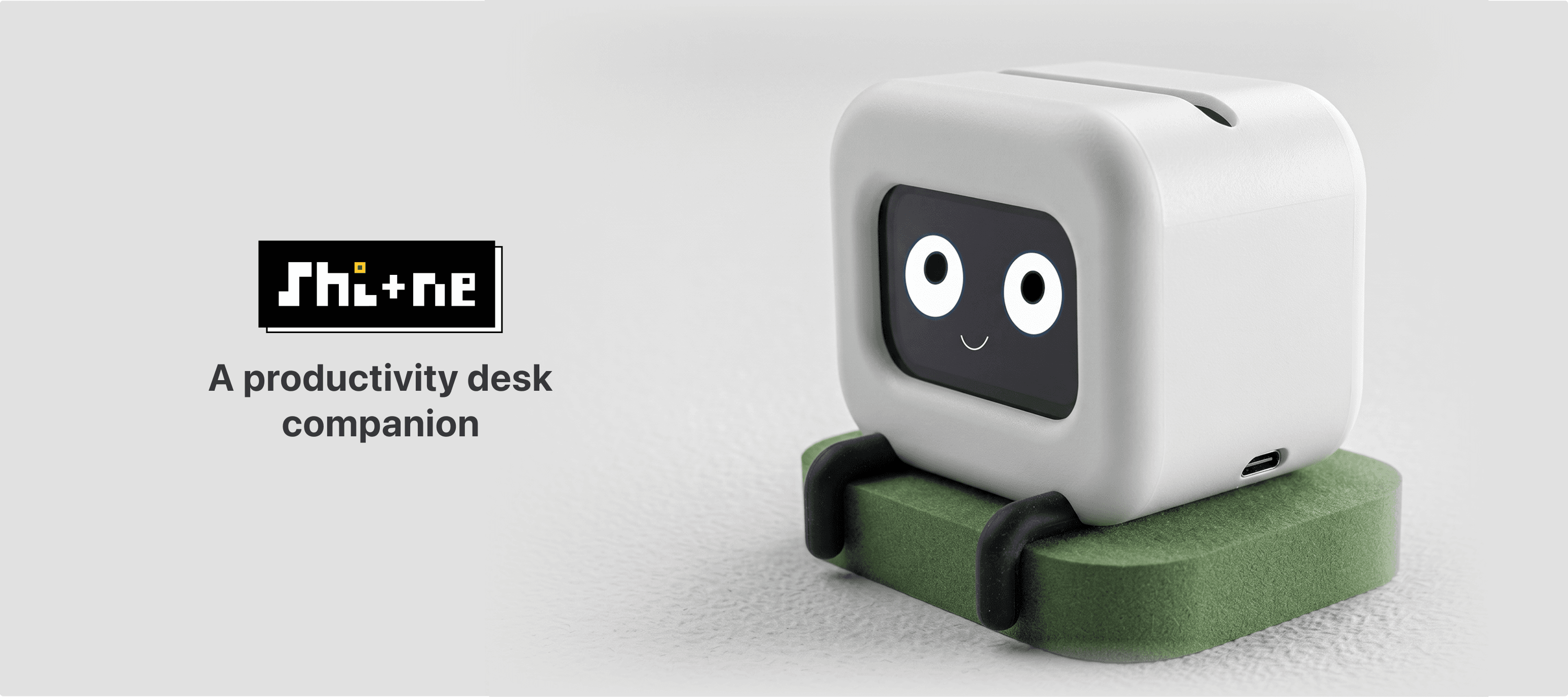
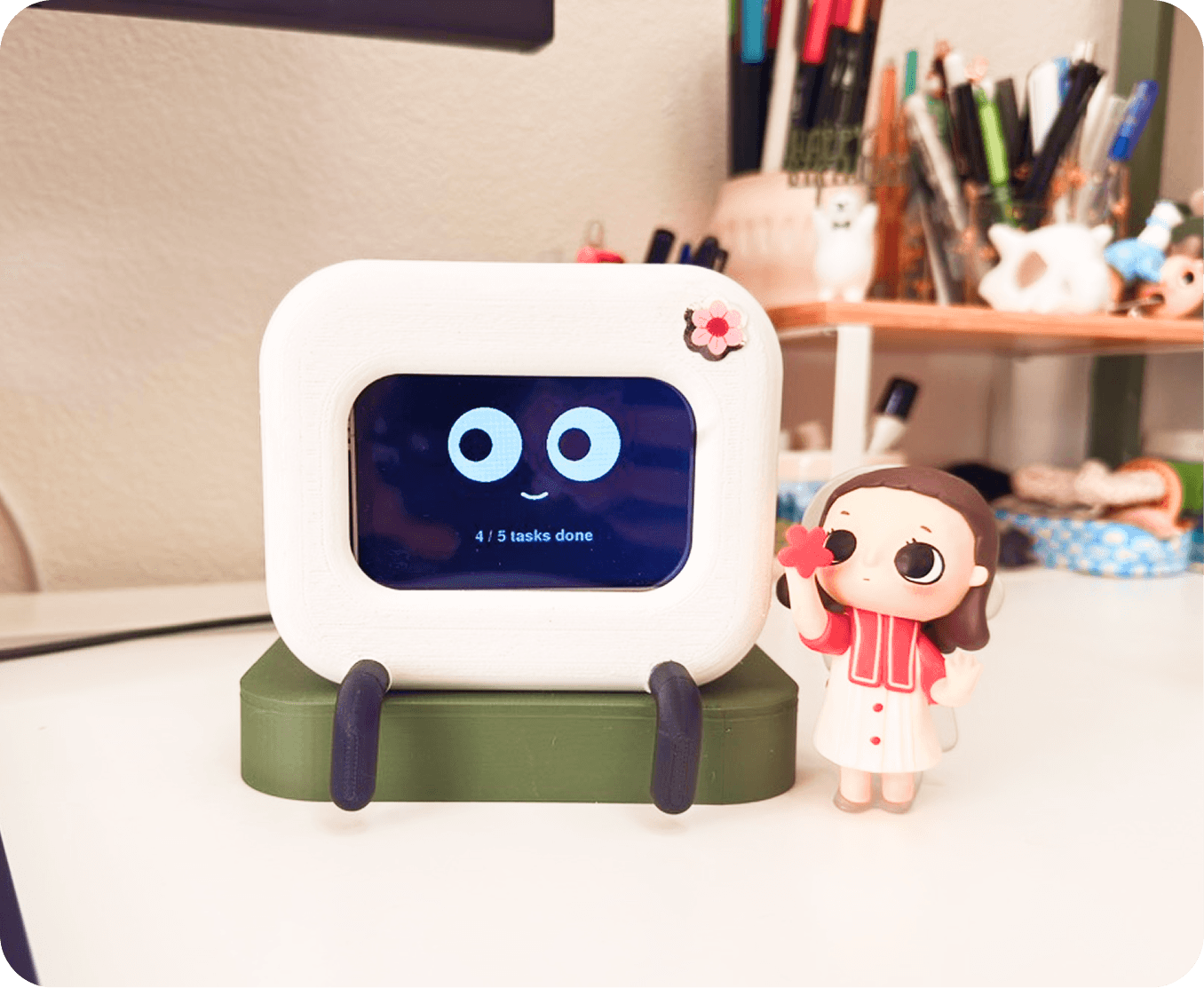
Shi+ne is a small connected object that lives on your desk and reads your Notion to-do list.
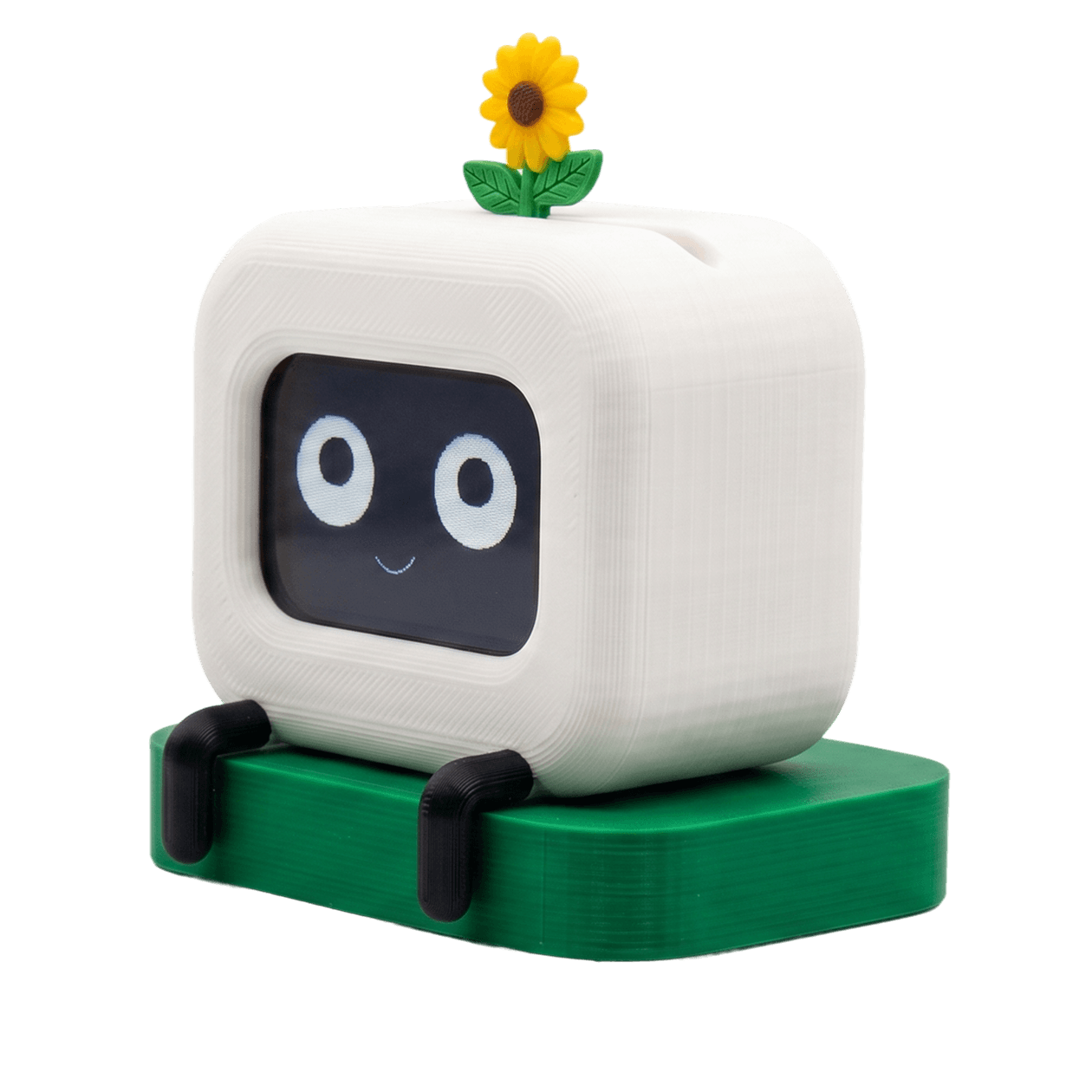
When you complete a task, it lifts a sunflower from its head, animates a celebration on its LCD face, and returns to a soft idle state. Tap it once and it acknowledges the touch with a tickled expression. Tap it five times and it gets visibly annoyed.
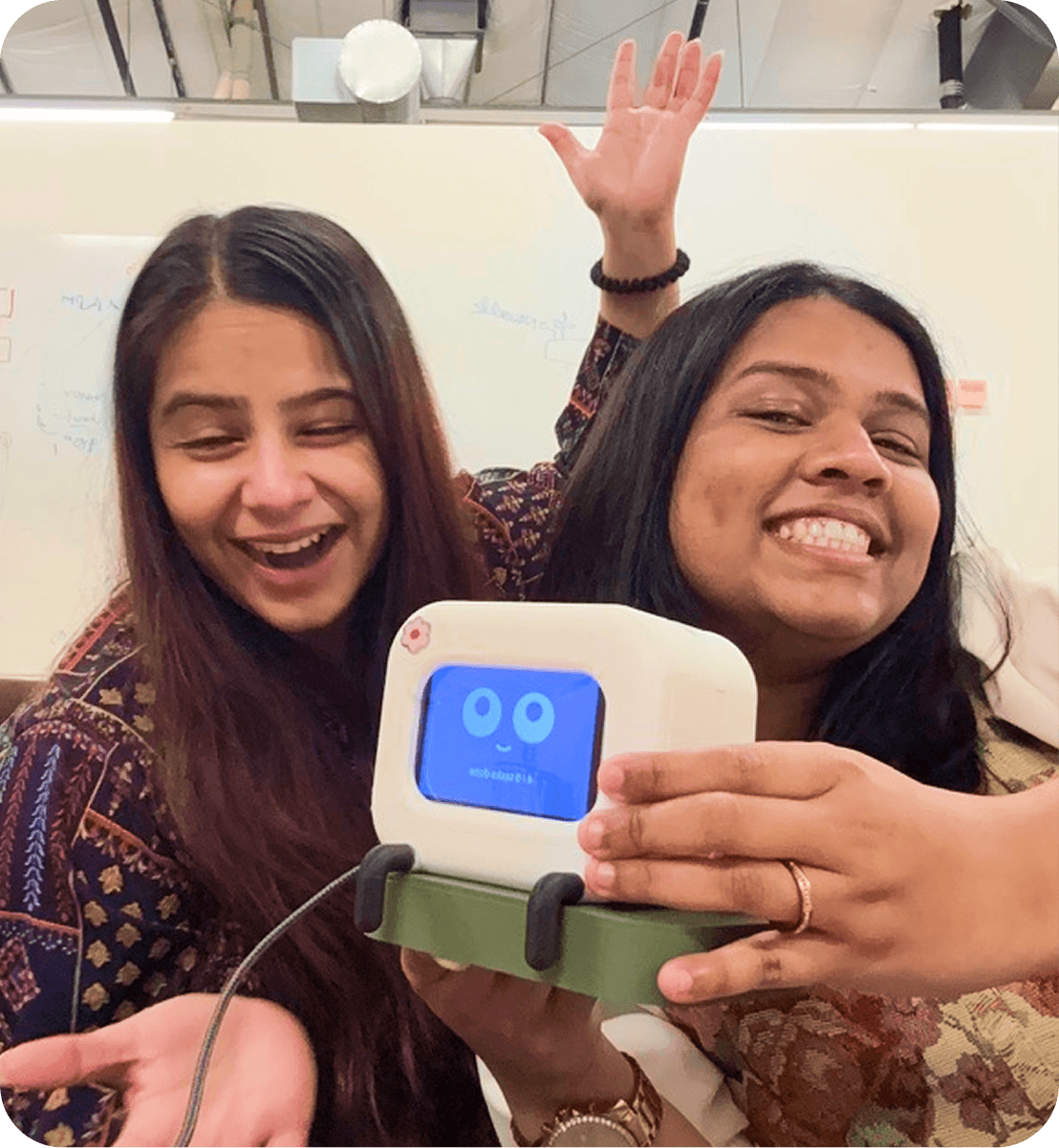
Team Shi + ne (AyuSHI + NEha)
Opportunity
The small wins of focused work deserve a small physical witness.
That framing did most of the work of narrowing the design space. Anything that competed for attention with the task itself was out. Anything that demanded interaction to function was out. What we wanted was a presence on the desk that registered effort, celebrated quietly, and otherwise let you work.
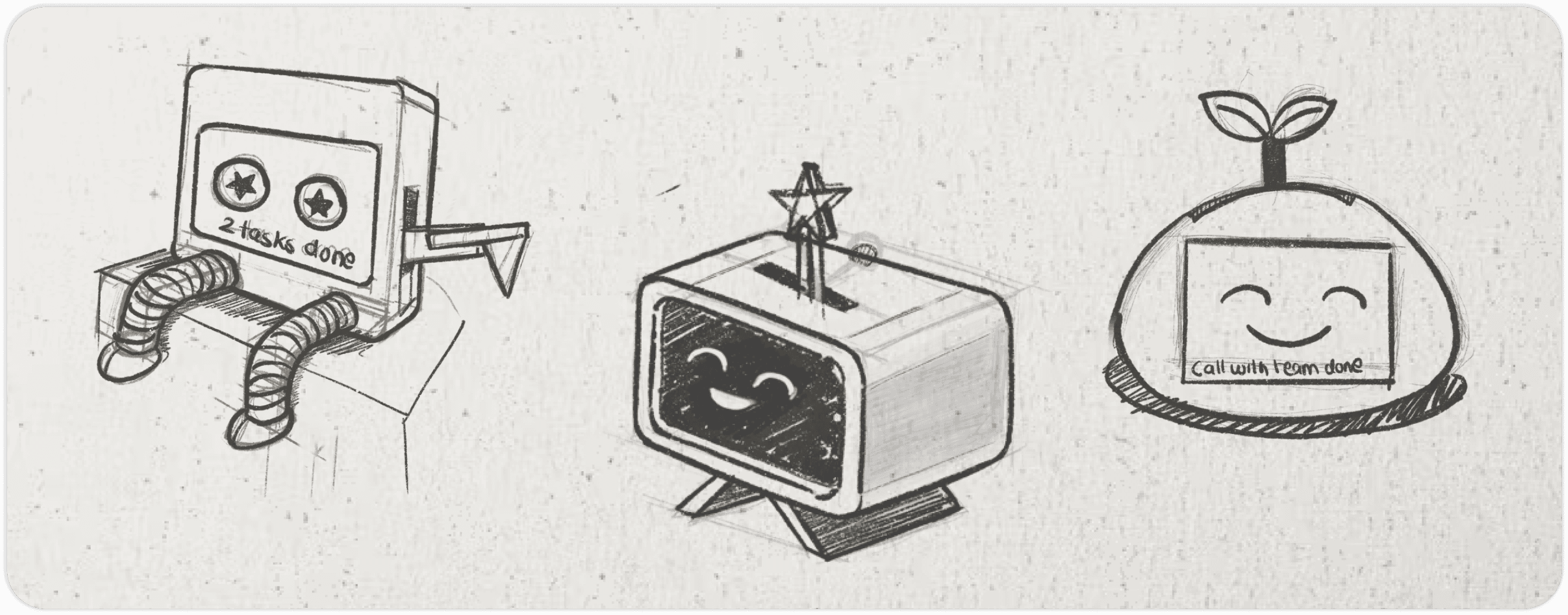
some of our initial sketches for Shi+ne
Research
Three threads informed the design.
Adjacent products:
We mapped the existing landscape of desk companions and ambient productivity objects: Tamagotchi, Cozmo, Vector, the Pomodoro plant on Etsy, the various Pixar-lamp-style desk robots on Kickstarter. The gap we wanted to occupy sat between the two: a companion that did not need feeding, did not nag, and showed up only at meaningful moments.
Self-observation:
I tracked my own task-completion patterns for a week using Notion. The data was unscientific but consistent. We finished an average of [X] tasks per workday. The moment of completion produced a brief satisfaction that decayed within seconds. Nothing about our environment marked the transition.
Design principles
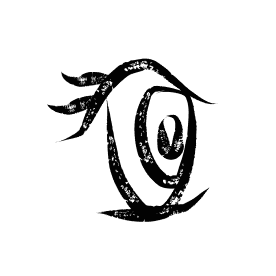
Reacts to what you have already done. It does not remind, suggest, or coach.
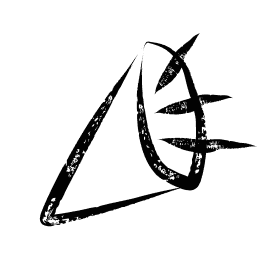
No sound. No notifications. Subtle you have to look directly at the screen to confirm it.
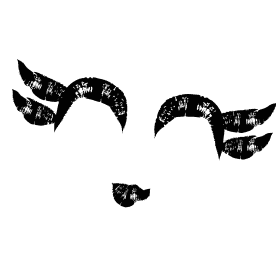
Expression and personality, calibrated for an adult professional desk.
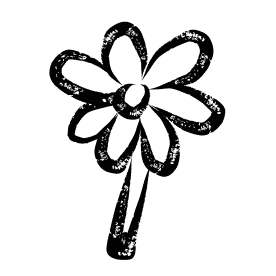
A face that is clearly a screen, a flower that is clearly mechanical. The poetry comes from the assembly, not from hiding it.
The final concept
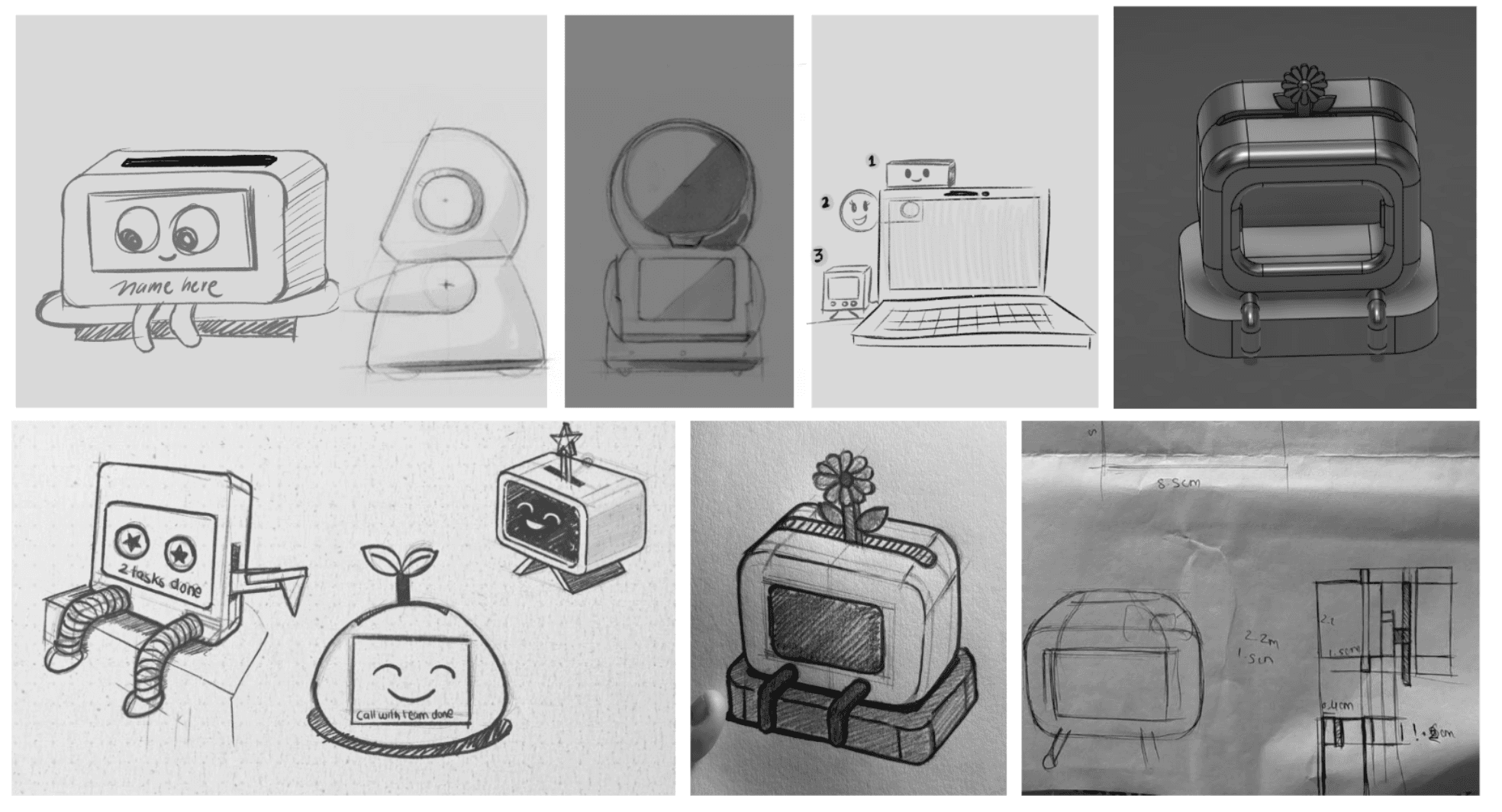
The flower-pot direction led us to the gesture that became the project's signature: a sunflower that rises when you complete a task. The final concept committed to four behaviors:
- A screen-based face with an idle blink, a celebration animation, and a small set of reactive expressions.
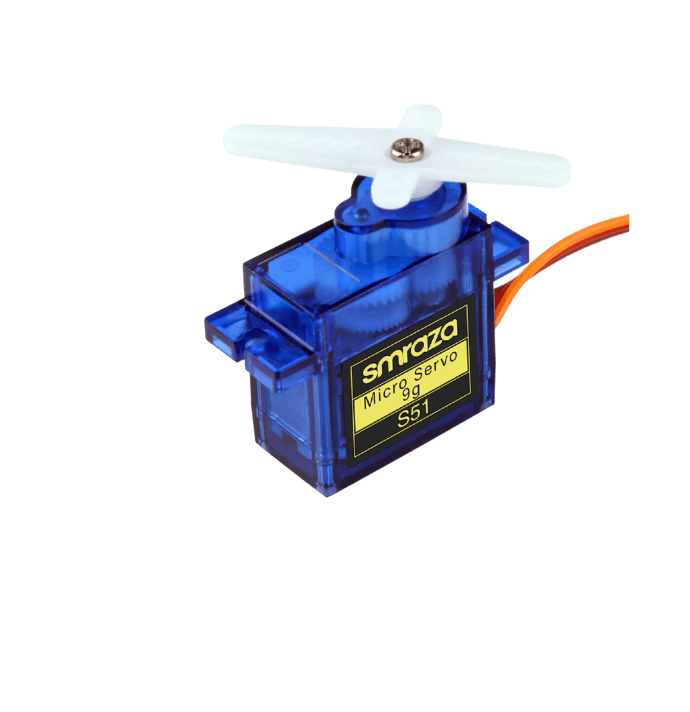
- A servo-driven flower that lifts on task completion and lowers slowly back down.
- A live connection to a Notion to-do database, polled on an interval of 15 seconds.
- A capacitive interaction layer via the screen's resistive touch, with two Easter-egg states (single tap, five rapid taps).
- A long tap would enable the game Flappy Bird (perfect gateway if you want to spend some off-time on your desk).
Interaction model
The interaction surface is small on purpose. Most of Shi+ne's behavior is observed rather than triggered.
each expression animated in code, calibrated to match the state it represents
Idle State. A five-frame blink animation fires every 4–7 seconds on a slight random offset. Anything faster reads as nervous. Anything slower reads as broken.
Completion State. When the Notion polling loop detects an increase in completed-task count, Shi+ne triggers a sequence: eyes squint into a smile, a small particle animation plays across the screen, and the servo arm lifts the sunflower vertically through a slot in the top of the body. The flower stays raised for around three seconds, then descends slowly. Total event duration is about five seconds.
Added new task. When a new task is added, Shi+ne smiles and acknowledges it.
Single tap. A tickled expression: eyes go wide and the mouth opens into a small laugh. Returns to idle after two seconds.
Five rapid taps. An annoyed state. The eyes narrow, the mouth flattens, and Shi+ne refuses further input for six seconds. This was the most-loved interaction in informal testing among our cohort, because it gave the object a small dignity. You could push it, and it would push back.
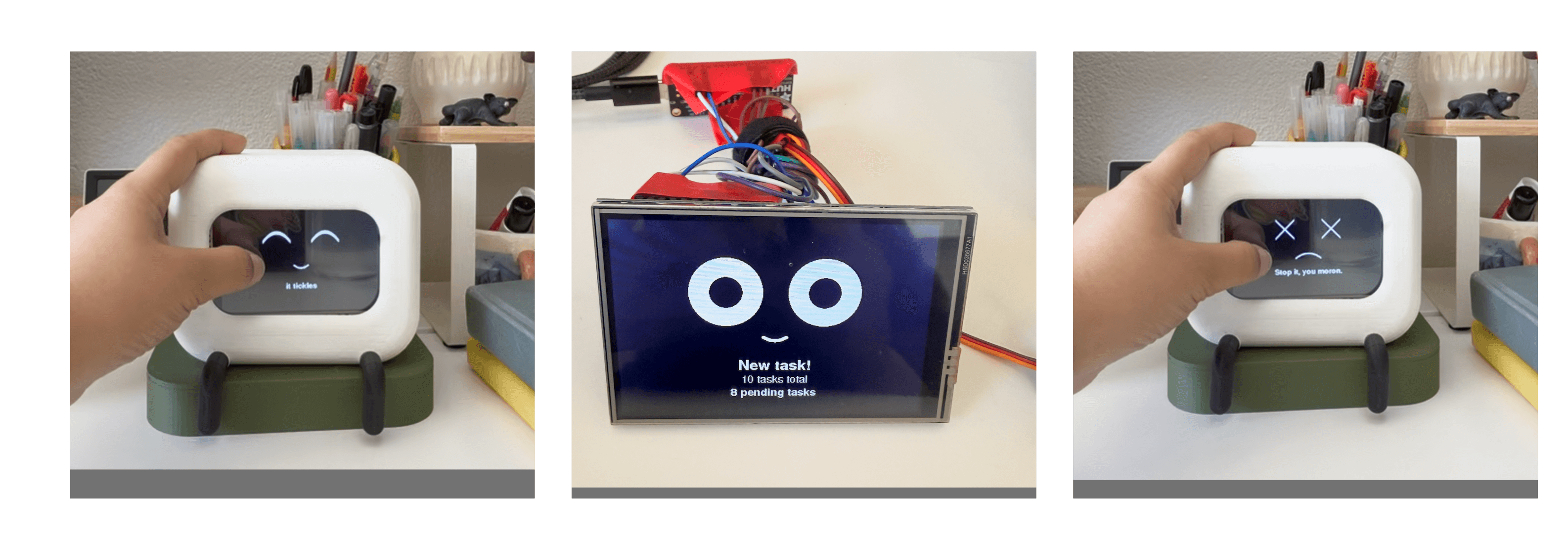
Final Shi+ne Expressions
Watch the videos of the process.
some of the videos while exploring the expressions
Industrial design
The form was the slowest and most iterative part of the project, which felt right for an object meant to live on a desk for years.
Form rationale.
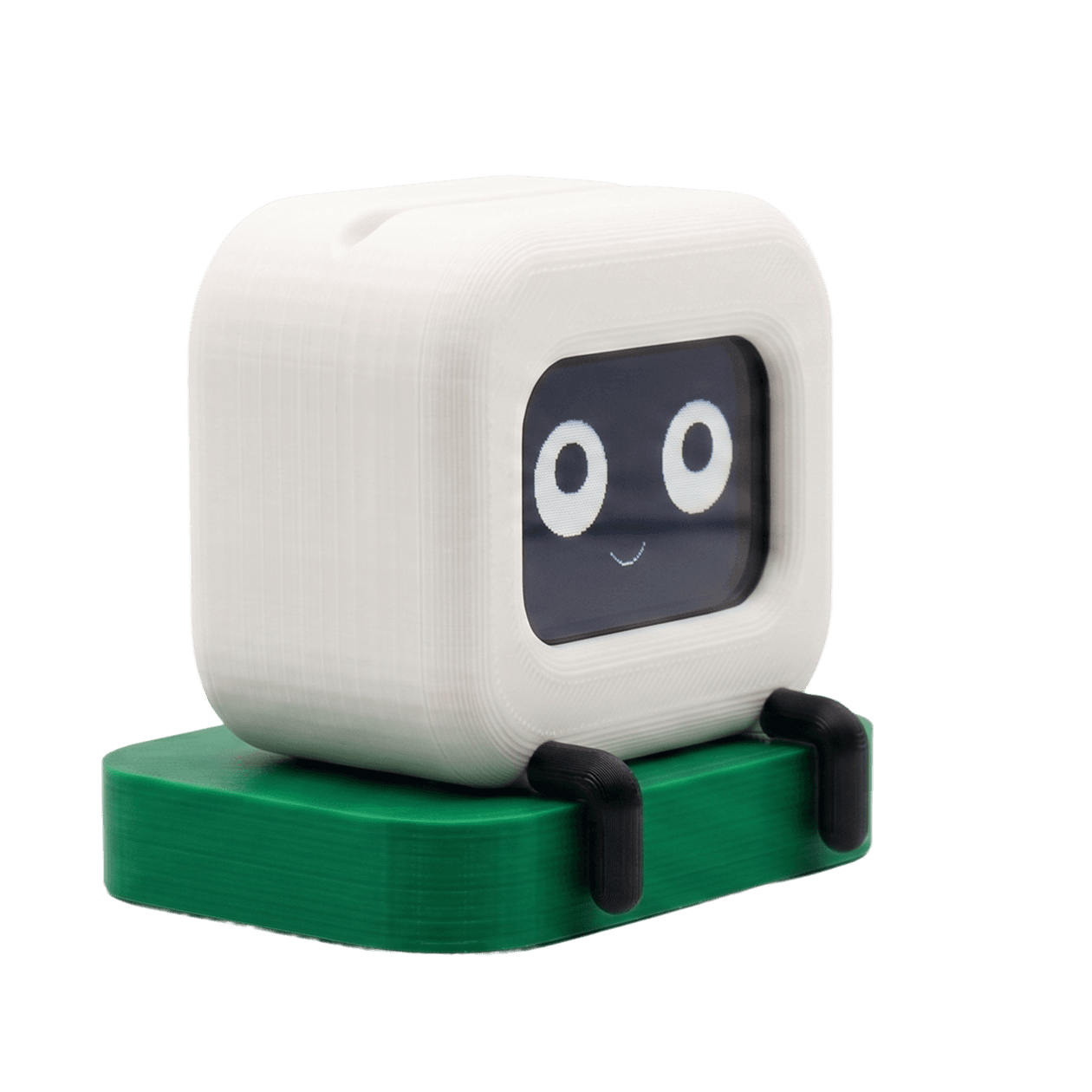
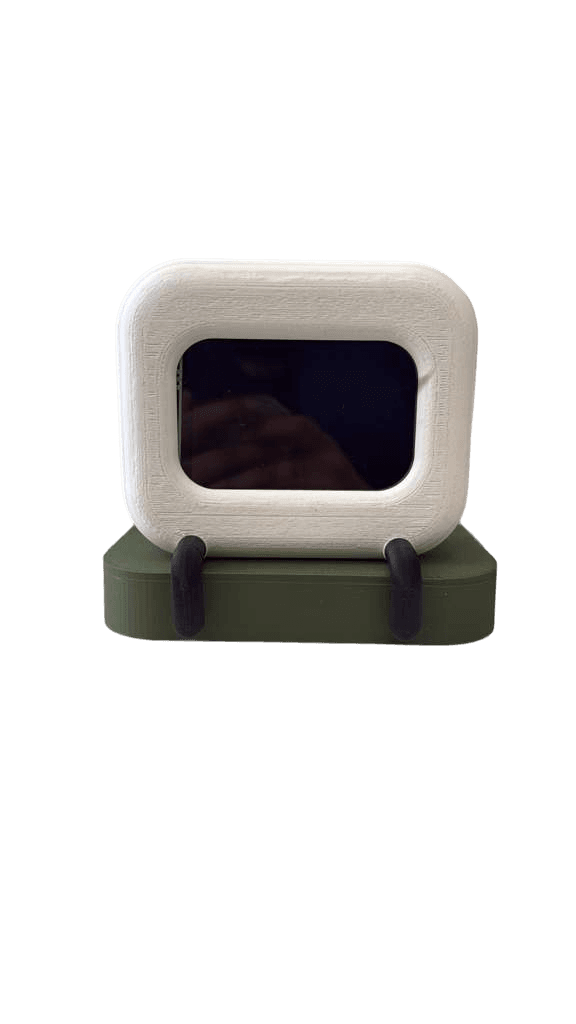
I started from a soft cube. Cubes read as honest objects. They have orientation, they sit predictably on a flat surface, and they hold a face well. The body is split horizontally about a third of the way up, which lets the screen recess slightly into the upper volume and gives the bottom a visual base.
Base treatment.
The deep-green base reads as a planter. Two small black feet at the front lift the body just enough to suggest a posture, almost a little bow toward the user. Materials: PLA for the prototype, printed in white and green filaments.
Manufacturing iteration:
The first three prints failed at the same internal corner where the LCD bezel met the body. PLA does not cooperate with sharp internal edges in long unsupported spans, and the layer would peel away from the bed mid-print. The fix was to fillet the offending edge to a 3mm radius and split the main body into four bolted parts, which let the printer lay each surface in its preferred orientation.
Lesson:
The lesson worth carrying forward: in industrial design, the printable form is the real form. A geometry that looks clean in CAD but cannot be manufactured without supports is a geometry that has not finished its design phase.
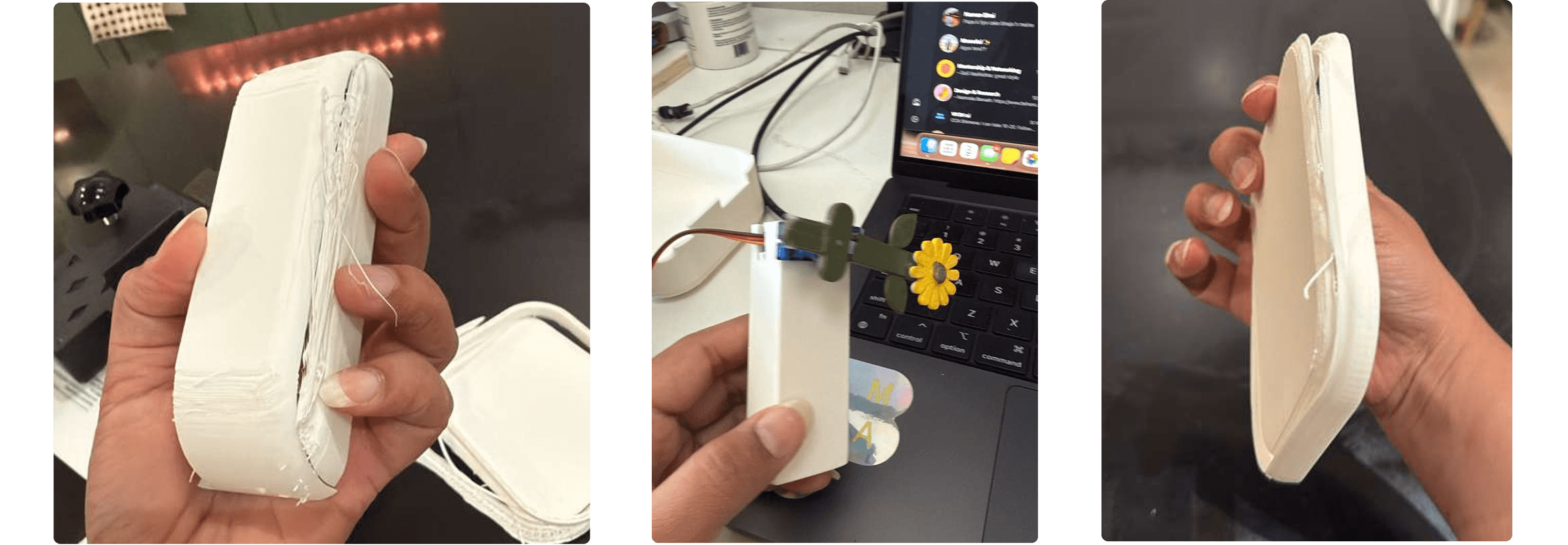
some failed attempts and the servo mechanics
Technical architecture
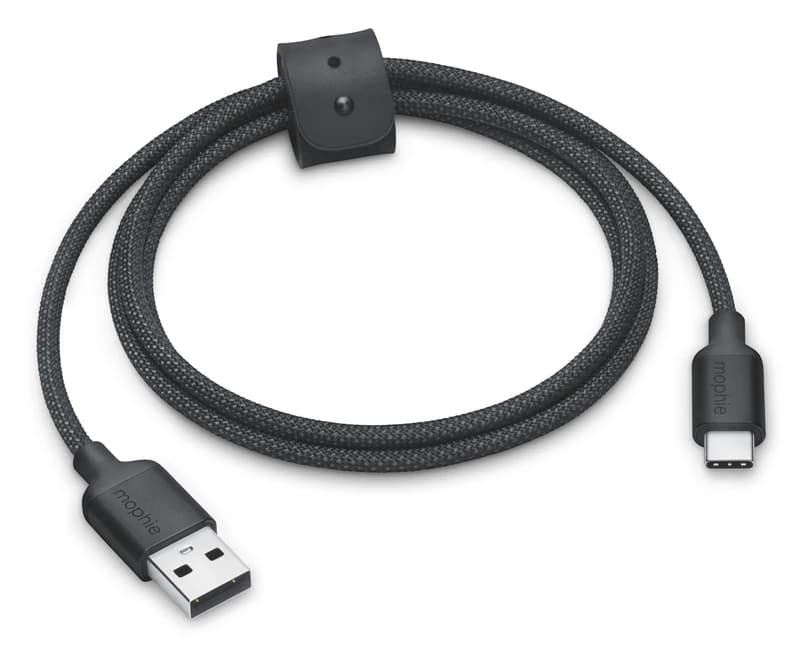
Shi+ne is a single-board system. The Adafruit ESP32 V2 handles Wi-Fi, the display LCD (for Raspberry Pi) SPI bus, the touch input, the servo motor PWM signal, and the Notion HTTP polling loop. Power is delivered over USB-C from a wall adapter.
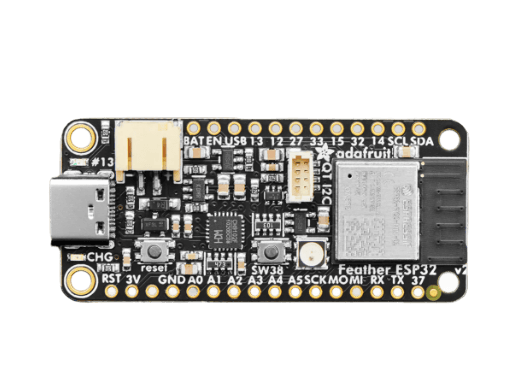
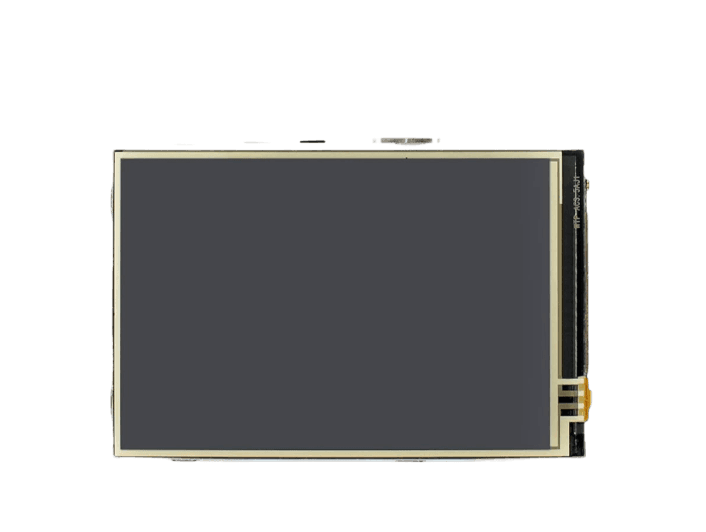
Wiring reference: ILI9486 LCD on ESP32 V2
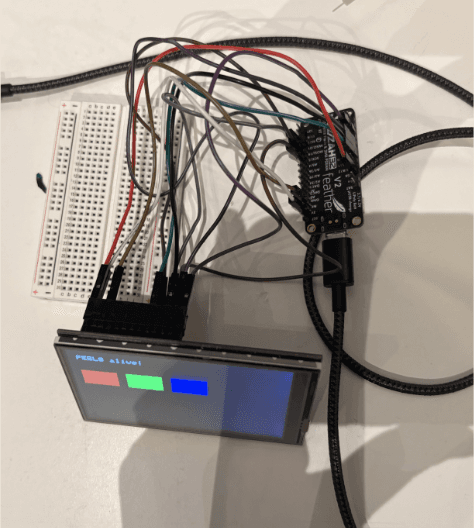
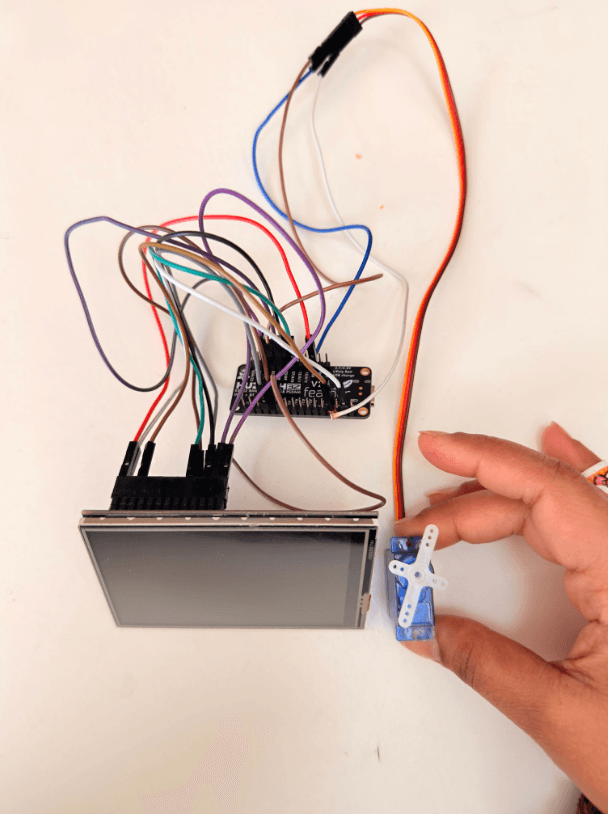
The display ships with documentation written for Raspberry Pi GPIO. Translating to the ESP32 V2's named breakout labels took the better part of a week, and is the single artifact I most want to publish for the next student doing this build. Two non-obvious things to know up front.
| LCD Pin | LCD Function | ESP32 V2 Pin |
|---|---|---|
| 19 | MOSI (SPI data out) | MO |
| 21 | MISO (SPI data in) | MI |
| 23 | SCK (SPI clock) | SCK |
| 24 | LCD_CS (display chip select) | 15 |
| 18 | DC (data / command select) | 27 |
| 22 | RST (display reset) | 33 |
| 26 | TP_CS (touch chip select) | 14 |
| 1, 17 | Logic power | 3V |
| 6 | Ground | GND |
| Backlight | LED+ (5V rail) | USB / VBUS |
Build log (all the hurdles)
The work that produced this object did not happen as cleanly as the sections above suggest. Below are the ten moments that shaped the final design, ordered roughly as they appeared.
Shi+ne Demo
Link to GitHub repository : Click here
Reflections
Three things stayed with me after this project closed.
Hardware design is humbling in a way software is not. A misaligned wire on perfboard is desoldering, rerouting, and praying the trace survived. Every decision in hardware has a physical cost, which makes the design process slower and the decisions more committed. I will carry that pace back into my software work.
Documentation is the artifact. Half our delays came from libraries written for adjacent boards, datasheets that assumed prior knowledge, and forum posts from 2017 referencing board revisions we did not own. The most useful contribution I can make to the next student building this is the wiring table above and the firmware on GitHub. Both are now public.
Restraint outperformed addition. The strongest design decisions in this project were subtractions. No sound. No app. No notifications. No second screen. Shi+ne earned its place on the desk by being less than it could have been, which is a lesson I want to bring forward into product work at scale.
Scope is a love letter to the next version. Three weeks forced a tight scope. We built a complete Flappy Bird mode on Shi+ne and cut it, alongside several other ideas the hardware clearly supports. The possibility space is much larger than the shipped version, and I want to keep exploring it.